
Medical Apps for Doctors: Types, Benefits, Features & Best Use Cases
A medical app for doctors is software built to support clinical decision-making, documentation, communication, or practice operations for a licensed clinician delivering care, as opposed to a wellness app aimed at patients. The category covers seven main types, from EHR companion apps to practice management tools, and it’s held to a far higher bar than consumer health software because a bad recommendation here can mean a wrong dose, not just a missed step goal.
Primary care physicians spend an average of 36.2 minutes on the EHR per patient visit, according to AMA-backed research, for a visit scheduled at just 30 minutes. If you’re building a medical app for doctors, that gap is exactly what you’re up against. Clinicians aren’t resistant to technology. They’re exhausted by technology that adds work instead of removing it.
A medical app for doctors isn’t a wellness app with a clinical skin. It has to earn trust from an overworked user, survive scrutiny from compliance officers, and hold up under real regulatory weight. Get it right, and it becomes indispensable. Get it wrong, and it joins the pile of apps clinicians deleted after one login.
This guide covers the app types, the real benefits, the features that separate a usable clinical tool from a liability, and where these apps create the most value, the same thinking behind every Healthcare App Development project we build.
What Counts as a “Medical App for Doctors”?
Not every health app belongs here. A meditation app or a step counter is patient-facing wellness software, useful, but not what this guide covers.
Doctor-Facing vs. Patient-Facing Apps
A medical app for doctors is built to support clinical decision-making, documentation, communication, or practice operations for a licensed clinician delivering care. That distinction changes everything downstream, from compliance and UX standards to integration needs and liability.
Why This Category Gets Held to a Higher Standard
A patient-facing fitness app that gives bad advice is annoying. A clinical app that surfaces the wrong dosage or loses a connection mid-shift can cause real harm. That’s why this category demands rigor at every stage, not an afterthought bolted on before launch.
The Main Types of Medical Apps for Doctors
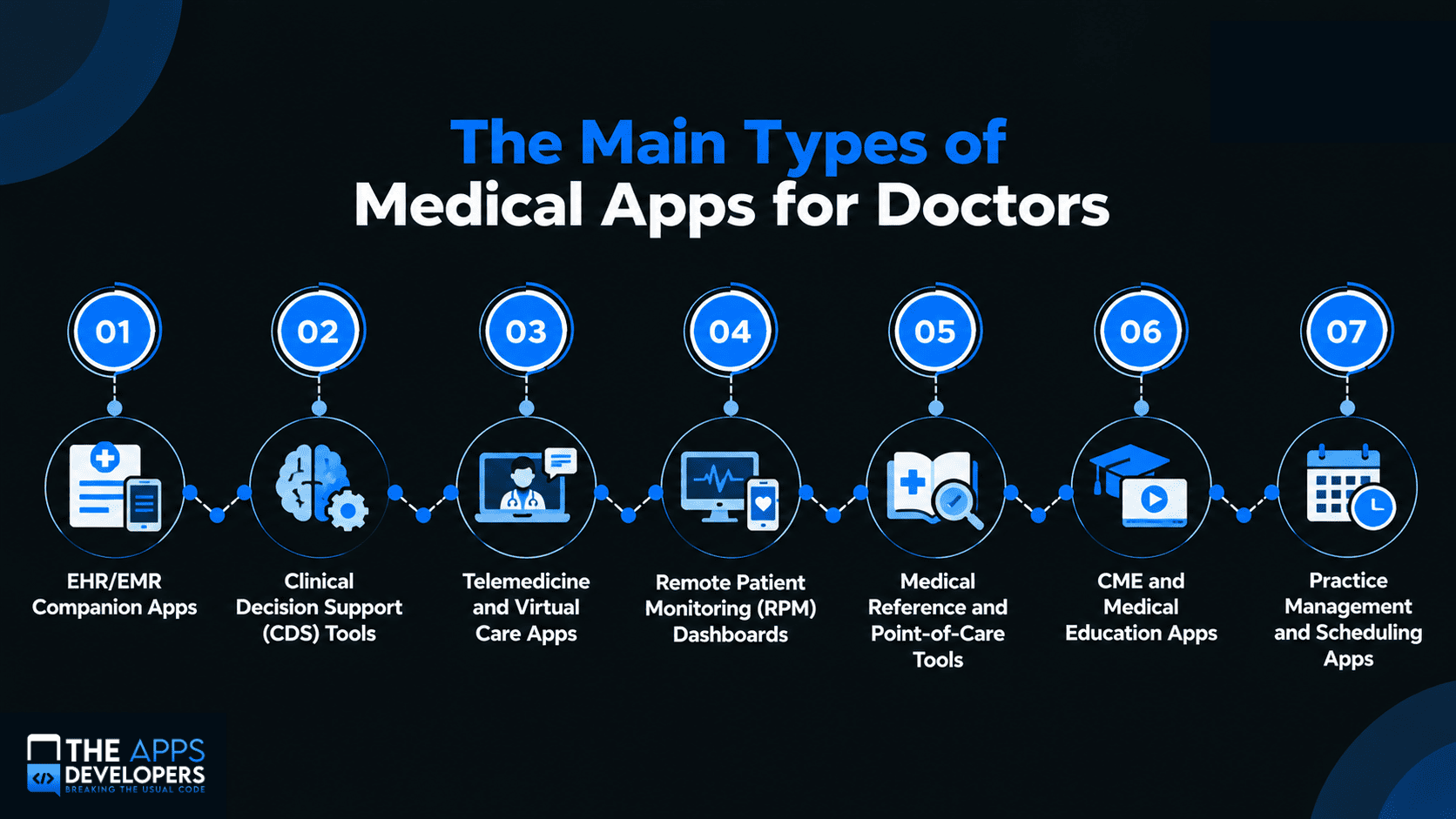
EHR/EMR Companion Apps
These apps sit alongside a hospital or practice’s existing EHR, giving doctors fast, mobile-friendly access to charts, orders, and notes without a desktop terminal.
Clinical Decision Support (CDS) Tools
CDS apps surface clinical guidelines, flag drug interactions, or suggest next steps from patient data, built to support a doctor’s judgment, not replace it.
Telemedicine and Virtual Care Apps
These apps power video visits, async messaging, and virtual triage, letting doctors see patients remotely. Our deep dive on telemedicine app development cost breaks down what this category typically runs.
Remote Patient Monitoring (RPM) Dashboards
RPM apps pull in data from connected devices, glucose monitors, blood pressure cuffs, wearables, and give doctors a dashboard for tracking patients between visits.
Medical Reference and Point-of-Care Tools
Reference apps give doctors instant access to drug databases, calculators, and guidelines at the bedside, replacing the old paper reference manual.
CME and Medical Education Apps
CME apps let doctors complete required credit hours, access case studies, and stay current on specialty developments from a phone or tablet.
Practice Management and Scheduling Apps
These apps handle the operational side, scheduling, billing, staff coordination, giving owners visibility into the business side of care delivery.
Comparison Table: App Type, Function, Users, and Key Features
| App Type | Primary Function | Core Users | Key Features |
| EHR Companion | Mobile access to charts/orders | Hospital and clinic physicians | EHR integration, offline caching, secure login |
| Clinical Decision Support | Guideline and risk alerts | Physicians, specialists | Real-time data feeds, alert logic, audit trail |
| Telemedicine | Virtual visits and messaging | Primary care, specialists, telehealth providers | Video/voice, e-prescribing, encrypted messaging |
| Remote Patient Monitoring | Between-visit patient tracking | Chronic care, cardiology, endocrinology | Device integration, alert thresholds, trend charts |
| Medical Reference | Point-of-care lookup | All specialties, residents | Drug database, dosage calculators, offline access |
| CME/Education | Credit tracking and learning | All licensed physicians | Course content, progress tracking, certification |
| Practice Management | Scheduling and operations | Practice owners, admin staff | Calendar sync, billing, staff messaging |
The Real Benefits of Medical Apps for Doctors (and Their Practices)
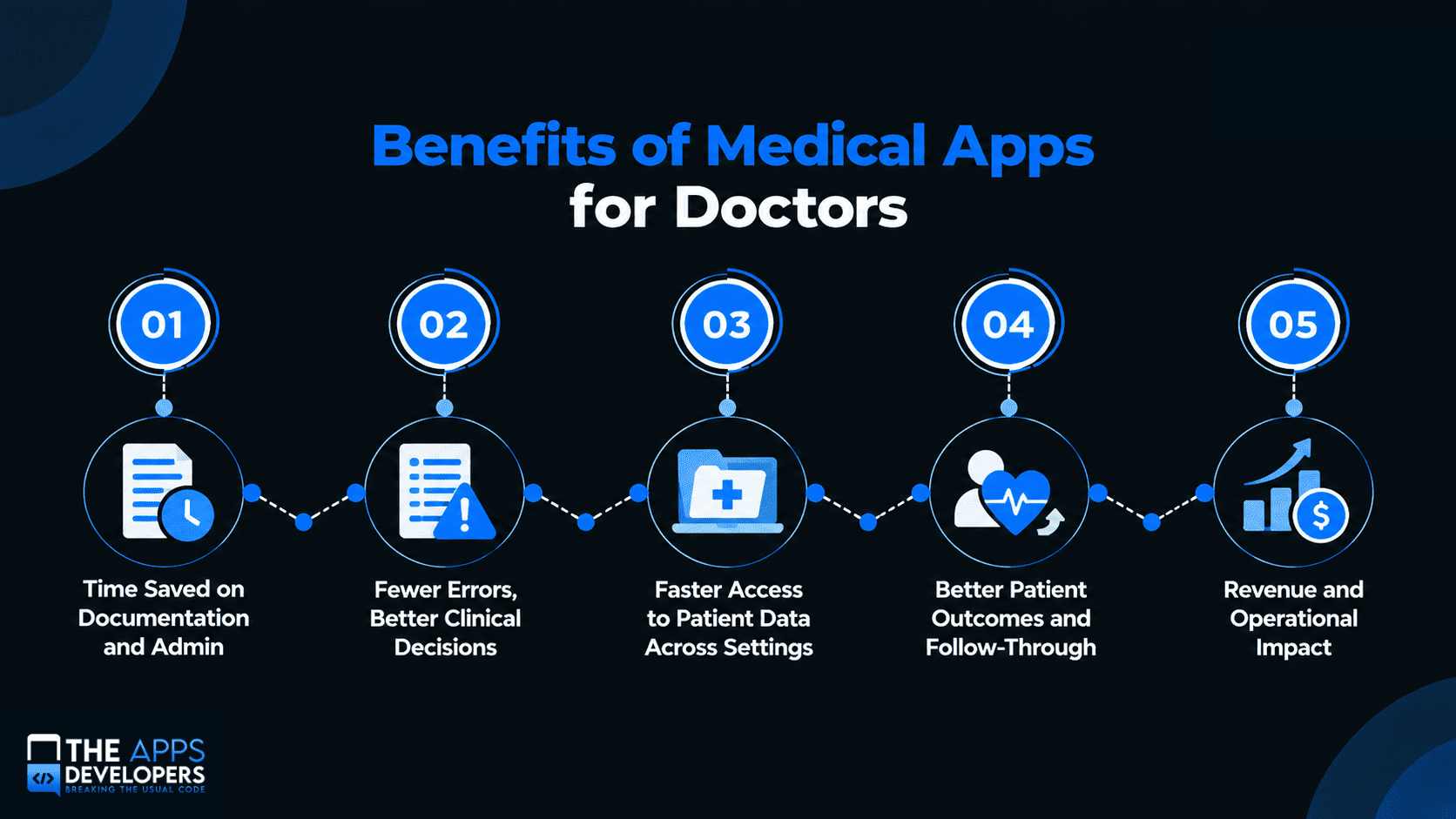
Time Saved on Documentation and Admin
Documentation is the single biggest time sink in a physician’s day. A 2024 AMA-backed study found physicians log close to 5.8 hours of active EHR time per 8 hours of patient care, per research on EHR burden by specialty. A well-designed companion app that streamlines note-taking attacks that cost directly.
Fewer Errors, Better Clinical Decisions
Clinical decision support tools cut the cognitive load of cross-checking drug interactions or dosing manually, surfacing the right information at the point of care instead of making a doctor remember it.
Faster Access to Patient Data Across Settings
Mobile access to charts, labs, and imaging means a doctor isn’t tied to a nursing station terminal to decide. That’s critical in hospitals, where minutes matter and physicians move between units constantly.
Better Patient Outcomes and Follow-Through
Remote monitoring and telemedicine apps extend a doctor’s visibility beyond the scheduled visit, catching problems earlier and improving follow-through on chronic disease management, where gaps between visits are often where outcomes suffer.
Revenue and Operational Impact
Practice management apps reduce no-shows through automated reminders, streamline billing, and free up admin staff time, turning technology into a direct line to profitability, not just clinical quality. ROI figures vary by practice size and specialty, so confirm any projected gain against your own baseline before using it in a business case.
Must-Have Features for a Clinical-Grade App
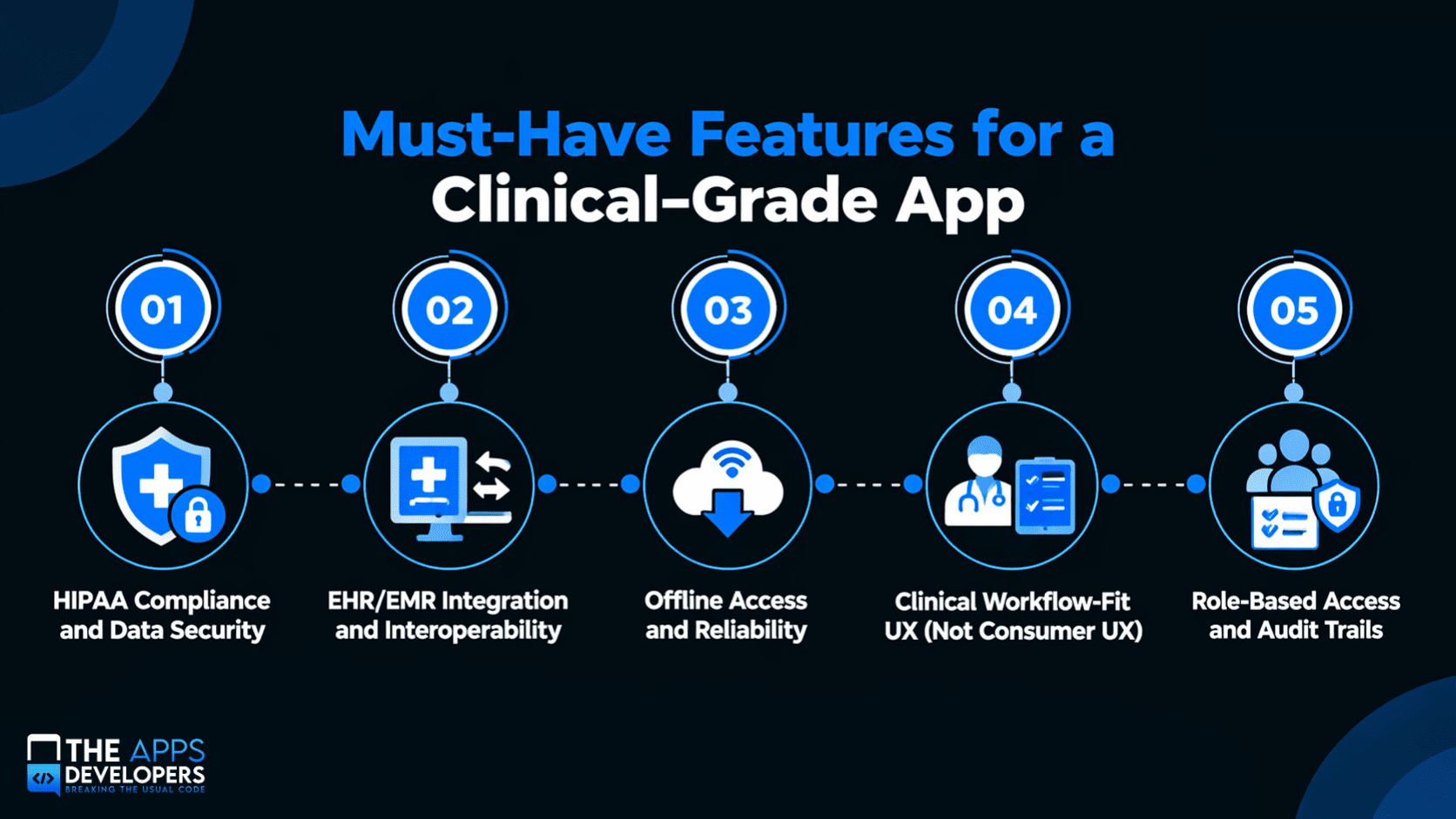
HIPAA Compliance and Data Security
This is the foundation everything else is built on. In its 2024 breach report to Congress, HHS’s Office for Civil Rights found hacking and IT incidents accounted for 81% of large healthcare breaches reported that year. Encryption, secure authentication, and audit-ready infrastructure need to be in the architecture from day one. Our guide on mobile app security best practices covers the fundamentals every clinical app needs.
EHR/EMR Integration and Interoperability
An app that can’t talk to a hospital’s EHR creates more work, not less. Doctors won’t tolerate double entry. Integration with systems like Epic or Cerner, and support for HL7 and FHIR, should be scoped early, not added later. Our guide to HL7 vs FHIR explains how those standards differ.
This is exactly the kind of architecture work covered under API & Backend Development.
Offline Access and Reliability
Hospitals have dead zones, and rural clinics have patchy connectivity. A clinical app that fails without a signal isn’t usable. Offline caching and graceful reconnection need to be built in, not assumed.
Clinical Workflow-Fit UX (Not Consumer UX)
Doctors make time-pressured decisions, often standing up, often interrupted. Clinical UX has to prioritize speed over visual flourish. Every extra tap between a doctor and the information they need is a real cost, a different design problem than a consumer app, and it’s exactly what our UI/UX Design team focuses on.
Role-Based Access and Audit Trails
Not every user needs to see everything. Role-based permissions and audit logs aren’t just good practice. They’re typically required to demonstrate HIPAA compliance under audit.
Regulatory Reality Check: HIPAA, FDA, and SaMD
When an App Becomes a “Medical Device”
Some clinical apps, particularly ones that analyze patient data to influence a diagnosis or treatment decision, can be classified by the FDA as Software as a Medical Device (SaMD), which triggers regulatory review beyond standard HIPAA compliance. The FDA’s policy on device software functions is the right starting point, since it depends on function, not category.
Why This Isn’t a DIY Legal Question
Getting this wrong, or ignoring it, can mean a costly redesign or real legal exposure. This section is an educational overview, not legal advice. Any app with clinical decision-support functionality should get qualified regulatory and legal review before development begins.
Best Use Cases by Care Setting
Hospitals and Health Systems
Hospitals benefit most from EHR companion apps, clinical decision support, and mobile chart access, where doctors move constantly between units and need fast access to shared data.
Private Practices and Specialty Clinics
Smaller practices often see the fastest return from practice management and scheduling apps, paired with lightweight EHR access that cuts admin overhead without needing a large IT team.
Telehealth and Virtual-First Providers
Telemedicine platforms are the obvious fit, but the strongest virtual-first apps integrate e-prescribing, messaging, and documentation into one workflow instead of several separate systems.
Home Health and Remote Care Teams
RPM dashboards are especially valuable for home health and chronic care teams, where visibility between visits is often the difference between catching a problem early and a preventable readmission.
What It Takes to Build One
Typical Timeline and Cost Considerations
Medical apps generally take longer and cost more than an equivalent non-regulated app, mostly due to added compliance, security, and integration work. See our mobile app development cost guide for the main factors.
Our mobile app development process guide covers the typical timeline.
Infrastructure and Hosting for Healthcare Apps
HIPAA-compliant hosting, encrypted storage, and access controls need to be part of your infrastructure plan from the start, not retrofitted before an audit. Our DevOps & Cloud Solutions team builds this in from day one.
Post-Launch: Maintenance, Updates, and Compliance Upkeep
A medical app isn’t “done” at launch. Security patches, EHR API changes, and shifting compliance mean ongoing maintenance is part of the cost of doing business here, not optional. Our mobile app maintenance and support guide covers what that upkeep involves.
Next Steps: Building a Medical App Doctors Will Actually Use
The apps that succeed here are built around a doctor’s actual workflow, not what looks good in a demo. Before you start, review the essential features every successful mobile app needs.
It’s also worth understanding how to choose a development partner with real healthcare compliance experience, not just general app development.
If you’re planning a medical app for doctors and want to talk through the compliance, integration, and workflow considerations specific to your project, get in touch with our team. We’ll help you scope it right from the start.
Frequently Asked Questions
What is a medical app for doctors?
A medical app for doctors is software built to support clinical decision-making, documentation, communication, or practice operations, used by a licensed clinician as part of delivering care, as distinct from patient-facing wellness apps.
What are the main types of medical apps for doctors?
Seven main types: EHR companion apps, clinical decision support, telemedicine, remote patient monitoring, medical reference tools, CME apps, and practice management software.
Does a medical app for doctors need to be HIPAA compliant?
Yes, if it handles protected health information: encryption, secure authentication, role-based access, and audit-ready infrastructure from the start.
When does a clinical app become a medical device under FDA rules?
An app can be classified as Software as a Medical Device when it analyzes patient data to influence a diagnosis or treatment decision. That depends on function, so get qualified regulatory review before development begins.
How much does it cost to build a medical app for doctors?
Medical apps cost more than non-regulated apps because of added compliance, security, and EHR integration work. Our mobile app development cost guide breaks down the main factors.
Why do doctors delete so many clinical apps after one use?
Most abandoned clinical apps fail on workflow fit, not features. If an app adds taps, interrupts a decision, or requires double entry against the EHR, doctors route around it.